
9 Months In: How AI and Mealie Saved My Sanity and 200€/Month

I used to think meal planning was just for people who had their lives perfectly together, or the fitness guys. Then I realized: it's for people who don't. For people who stare into a fridge full of food at 22:00 and still feel like they have nothing to eat. For people who want to stop wasting money on takeout and forgotten groceries.

I already wrote about how MCP changed my work and life and why I stopped building my own meal planner and chose Mealie instead. This is the next chapter: how Mealie went from being just another tool to the central hub of my kitchen workflow, integrated with my AI tools, and how I extended it to make my life even easier.
The money side I already broke down in why I stopped building my own meal planner. Short version: As of today, 200 €/month less on takeout and binned groceries. Nine months on, that hasn't changed, so this post is about the workflow instead.
The Evolution: From Recipe Storage to Kitchen OS
Mealie started as a place to store recipes. Then it became a meal planner. Now? It's my kitchen operating system. Every recipe I use, every meal I plan, every grocery item I need. It all flows through Mealie.
And I mean every recipe. Not just the fancy weekend projects. I've even got Leberkäs-Semmel in there right next to my more elaborate dishes. Why? Because when I'm planning my week and building my shopping list, I don't want to think about whether something is “worthy” of being in the system. If I eat it, it belongs there. Simple recipes deserve a place too, they're the ones I actually make on busy weeknights.
This approach has a compounding effect: the more complete my recipe collection, the more useful the shopping lists, the more accurate the meal planning, the less mental energy I waste on food decisions.

The Data Model: What Makes a Recipe Complete
Every recipe in my Mealie instance follows a consistent pattern. It's not just the ingredients and instructions, though those are obviously important. It's the metadata that makes the system work:
- Calories and macros: Automatically estimated, per serving (more on how below).
- Rating: I rate every recipe after I make it. 1-5 stars. This helps the AI skill prioritize recipes I actually like.
- Last made: The date I last prepared the recipe. This helps with rotation—I would rather not eat the same thing too often, but I also don't want to forget about recipes I haven't made in a while.
- Image: A photo of the dish. Visual browsing is much faster than reading descriptions.
- Tags: Calories:Light/Moderate/Heavy, Digest:Easy/Moderate/Hard, and any dietary tags. This is what the AI skill uses to enforce my constraints.
- Prep time and servings: For planning and scaling.
This metadata turns a collection of recipes into a searchable, filterable, planable database. The AI skill can query based on any of these fields, which means it can find the perfect recipe for any situation.
The Shopping Workflow: From Plan to Picnic
Here's how a typical week works:
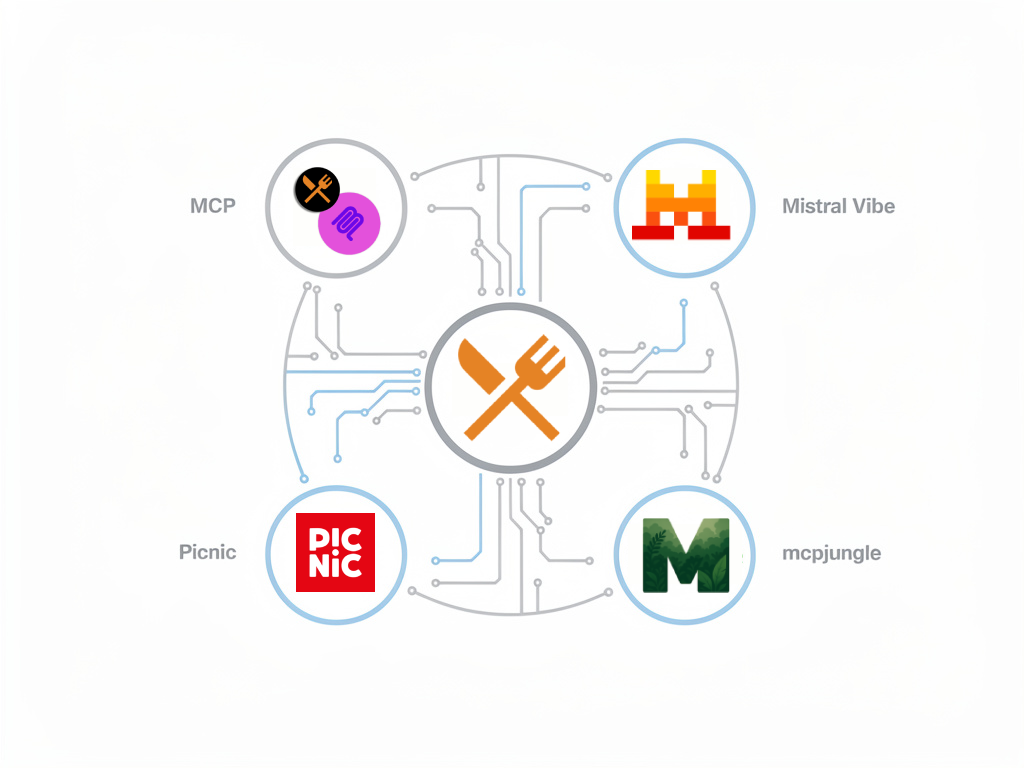
I usually plan my meals in Mistral Vibe, using the mealie-mcp-server to connect directly to my Mealie instance. I built it because the existing MCP servers were too slow. My version exposes a lot more useful tools with extensive batching and parallel work, written in TypeScript. It's the bridge that lets me query recipes, meal plans, and shopping lists directly from my AI assistant.
Mcpjungle is my central hub for all things MCP. It glues all my servers into one surface, handling the ones that don't have remote and OAuth, even the stdio ones from my local machine. One config to rule them all. I mainly use it with Mistral Chat/Work for the better mobile app integration, so I can access my Mealie data from anywhere.
I also created a skill in Mistral Vibe specifically for meal planning. It knows my preferences: meat freshness windows (if Picnic delivers on Tuesday, chicken is best used by Thursday), dietary constraints, and that dinner should be light and easy to digest. It knows recipes tagged as “Snacks” are side dishes, not full meals. Likewise, it preserves existing meal plan items unless I explicitly request changes. When I ask it to plan a week, it fetches my available recipes, checks what I've already planned, and suggests options that fit my constraints with metadata like prep time, servings, and tags. I can accept, reject, or modify. Once I'm happy, it writes the plan back to Mealie. The skill also handles calorie queries, fetching detailed recipe data and presenting nutrition information in a clear format.
The meal plan automatically generates a shopping list that respects my pantry. I don't get nagged to buy salt or olive oil every time they appear in a recipe. I review the list, adjust quantities based on what I already have, and then it's time for the magic: Picnic.
Picnic is a grocery delivery service in Germany. With my Mealie shopping list in hand, I can quickly add everything to my Picnic order. Because I planned ahead for the whole week, I know exactly what I need. No more last-minute “oh crap, I forgot the main ingredient” moments. No more multiple small orders because I only planned two days at a time.
The result: I truly plan ahead for a week at a time. My fridge contains only what I require. Food waste is minimal. And I spend maybe 20 minutes a week thinking about groceries instead of 45 minutes a day stressing about what's for dinner.
The Extensions: Making Mealie Even More Powerful
Mealie is great out of the box, but I've extended it with a few custom tools to fill specific gaps in my workflows.
mealie-calorie-estimator: Automatic Nutrition Data
mealie-calorie-estimator is exactly what it sounds like: it automatically estimates calories and macros for recipes that don't have nutrition data.
Here's how it works: when a recipe is created or updated, the estimator kicks in. It parses the ingredients and matches each one against Open Food Facts, then calculates the totals. The LLM only handles the messy part: turning “1 handful of parsley, roughly chopped” into something lookupable, and estimating when there's genuinely no match. The result is stored in the recipe's extras field, so it's available for queries and meal planning.
This means every recipe in my Mealie instance has calorie and macro information. I don't have to manually enter nutrition data. I don't have to guess. I spot-checked 20 recipes against packaging when I set this up. Within ~10% on the ones with clean ingredients; worse on anything with “a drizzle of” in it, which is fine because I'm tracking trends, not dosing insulin.

This is crucial for my meal planning. I can see at a glance whether a meal fits my goals. I can track my intake over a week. And the AI skill can use this data to make smarter suggestions.
mealie-webhook-handler: Recipe Export
mealie-webhook-handler is a simple tool I built to export recipes to my old Chowdown-based recipe site at recipes.timo-reymann.de.
Before I settled on Mealie, I published my recipes using Chowdown. The webhook handler lets me keep that site updated automatically whenever I add or update a recipe in Mealie. It's a one-way sync: Mealie is the source of truth, and the webhook pushes changes out to other systems on demand.
It's a niche use case, but if you have a similar need to sync recipes to another system, it's there and it works.
What I Expected to Break, and Didn't
Going in, I assumed two things would fail. First, that the AI would quietly drift, reshuffling meals I'd already committed to, or padding the week with recipes I'd rated two stars. Second, that the calorie estimator would produce something absurd enough that I'd stop trusting the whole field. Nine months in, neither has happened.
The one real rough edge: the MCP server could overload my Mealie instance, which isn't built for high concurrency across a large recipe collection. quest4ikigai fixed that a few days ago. What's left is that mcpjungle is a single point of failure. If it's down, I'm planning meals in my head like an animal.
The Bottom Line
Mealie plus the MCP integrations and a couple of custom tools moved food from “thing I decide seven times a week while hungry” to “thing I decide once on Sunday.” €200 a month and about five hours a week fall out of that.
It's self-hosted, so the recipes, the ratings and nine months of “last made” dates survive me changing my mind about every other tool in the chain.

If the “what's for dinner” question is costing you money and evenings, start with plain Mealie — that's most of the win. The MCP server, the calorie estimator and the webhook handler are all on GitHub if you want to go further.